
Cassette for Android and Wear OS
Cassette for Android is the same tape deck on Google Play, with the transcript and the notes written on the phone itself, a Record tile in Quick Settings, and a Wear OS app for your wrist.


Why Cassette on Android
Your phone is with you in every meeting, class and conversation. Cassette makes it the recorder and the note taker, with the transcript and the notes written on the phone itself.
Written on the phone
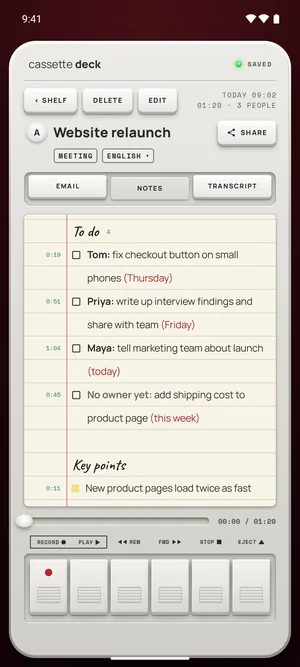
The transcript comes from the speech model that comes with the app, on the phone. The notes come from Cassette's own notes model, on phones with 8 GB of memory or more, once it has arrived over Wi-Fi after install. Other phones get simpler notes from the tape.
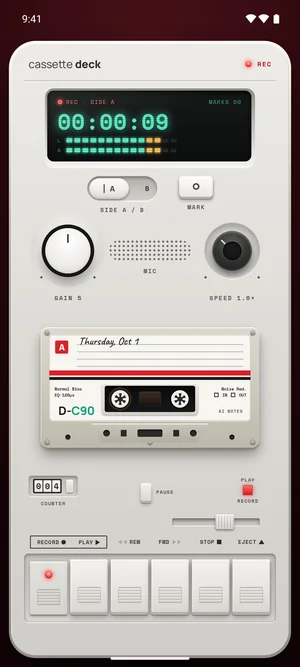
Record with one tap
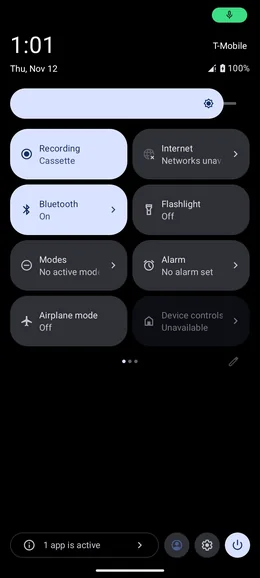
Add Cassette's Record tile to Quick Settings: one tap starts a tape without opening Cassette, even over the lock screen. MARK is in the recording notification.
Send it where you work
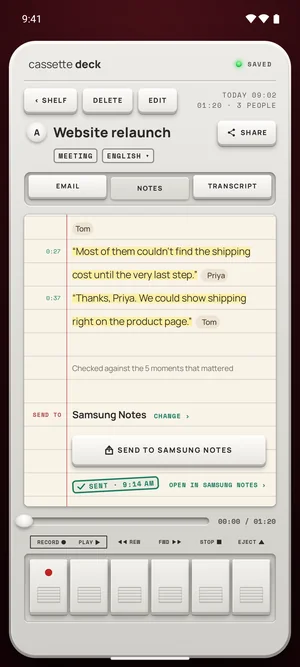
Send the notes to Samsung Notes, OneNote, Notion, Evernote or Google Keep, save a PDF or a Word file, or make a Share Link.
Free to download. Recording is free and unlimited, and tapes under 3 minutes get their transcript and notes free.
Wear OS
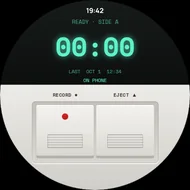
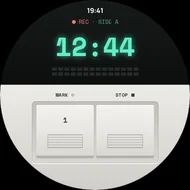
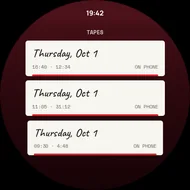
On a Wear OS watch, Cassette has two keys: RECORD and EJECT, then MARK and STOP. Each tape goes to your phone, which writes it up. Wear OS 3 or later.
How to start
- Install Cassette from Google Play, and allow the microphone.
- Let the notes model arrive over Wi-Fi after install, on phones with 8 GB of memory or more.
- Add the Record tile to Quick Settings for one-tap recording.
- Press RECORD, and STOP when you're done: the transcript and the notes are written on the phone.
Notes in the shape of what you recorded
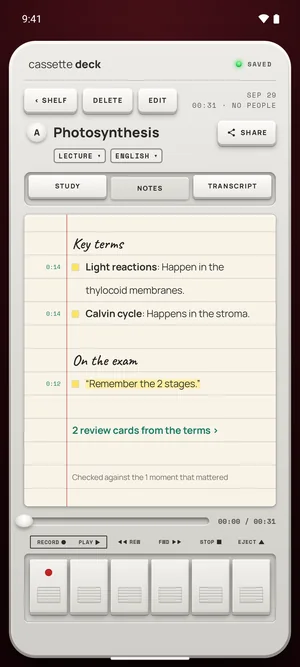
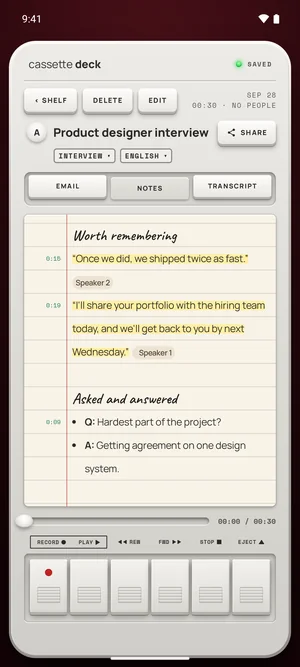
A lecture gets its key terms and what's on the exam, an interview each question with its answer, a voice note its to-dos and ideas. On phones with 8 GB of memory or more, you can change the type on the notes page and the notes are written again, on the phone.
What's different on Android
- Written on the phone: the transcript always, and the notes on phones with 8 GB of memory or more.
- Works in airplane mode once the notes model has arrived.
- Samsung Notes on the SEND TO line.
- A Wear OS app with the same two keys.
No recorder to buy
The phone does the recording, so there is no separate recorder to buy or keep charged, and recording is free and unlimited.
Questions
Which Android phones?
Android 10 or later. Phones with 8 GB of memory or more get Cassette's own notes model.
Is my purchase shared with iPhone?
Premium on Android is bought on Google Play. One App Store purchase covers iPhone, iPad and Mac.
Keep reading
- One-press recordingQuick Settings and the Action button.
- Send to notes appsSamsung Notes and more.
Free to download. Recording is free and unlimited, and tapes under 3 minutes get their transcript and notes free.